

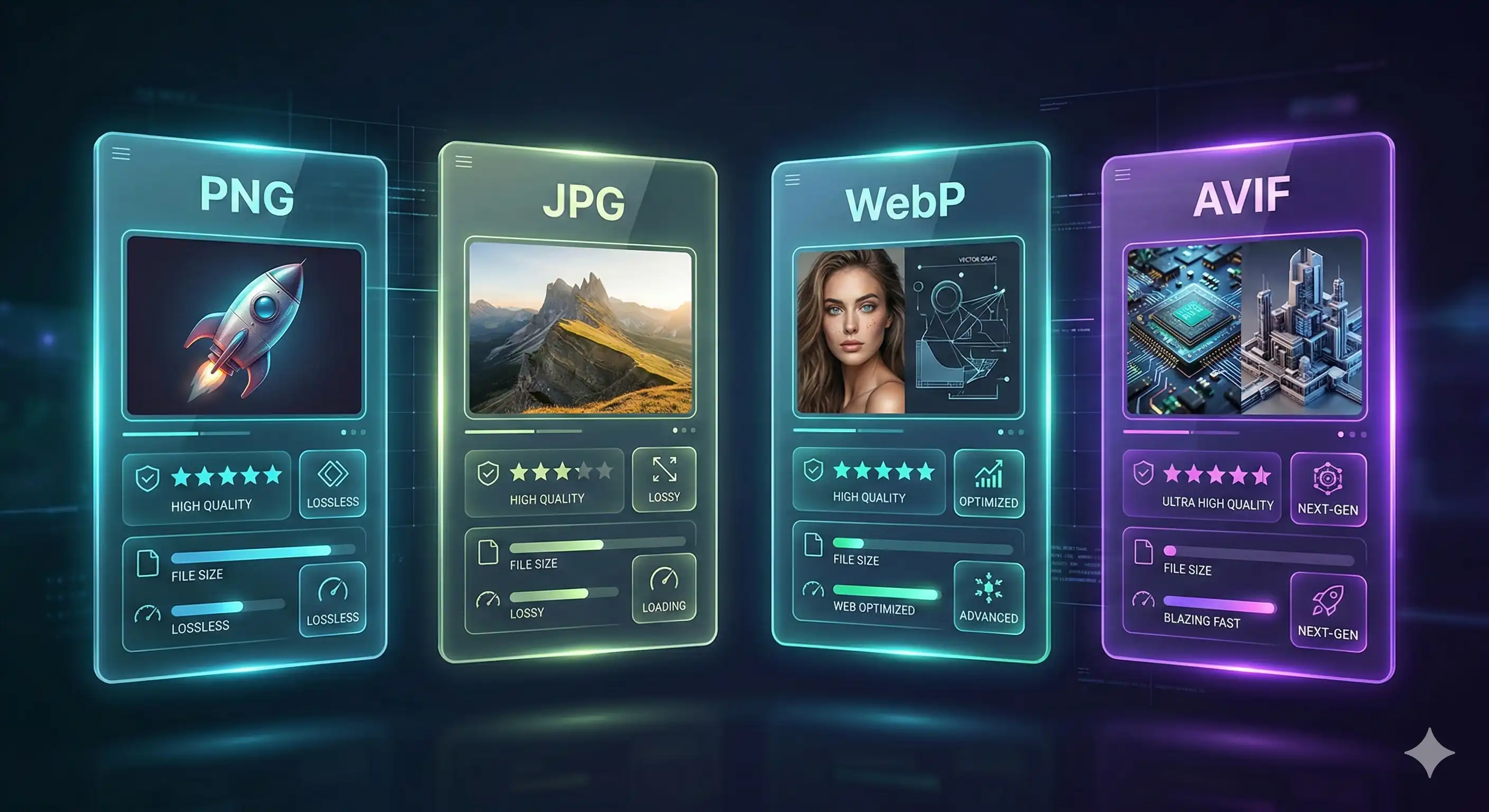
Every image on the web is a decision. PNG, JPG, WebP, AVIF — each format makes a different trade-off between file size, visual quality, browser support, and use-case fit. Pick the wrong one and you're either bloating your page load time or degrading image quality unnecessarily.
The problem is that most guides oversimplify it: "use WebP for everything" or "JPG for photos, PNG for graphics." Reality is more nuanced. This guide goes deeper — with real benchmarks, browser support data, SEO implications, and a clear decision framework for every scenario you'll actually encounter in 2026.
Why Your Image Format Choice Matters More Than You Think
Images are typically the heaviest assets on any webpage — accounting for 50–75% of total page weight on average. The format you choose directly affects:
- Page load speed — Larger files mean slower loads, especially on mobile connections. Google's data shows that every 100ms of extra load time reduces conversion rates by roughly 1%.
- Core Web Vitals — Largest Contentful Paint (LCP), a direct Google ranking factor, is almost always caused by an image. Format and compression are the fastest ways to improve it.
- Storage and bandwidth costs — If you're on a CDN or paying for storage, image format choices compound at scale. A site serving 1 million images per month can save thousands in bandwidth costs by switching formats.
- Visual quality — The wrong format for the wrong content type creates visible artifacts — JPG compression on text-heavy graphics, for example, produces noticeable blurring around edges.
The good news: choosing the right format for each use case is straightforward once you understand what each format actually does.
JPG — The Universal Standard
Developed in 1992 by the Joint Photographic Experts Group, JPG (also written JPEG) has been the backbone of web imaging for over three decades. It uses lossy compression — permanently discarding image data that human vision is least sensitive to (fine color variations) while preserving data we're most sensitive to (luminance, edges, contrast).
How JPG Compression Works
JPG divides an image into 8×8 pixel blocks and applies a Discrete Cosine Transform (DCT) to each block, converting pixel values into frequency information. High-frequency data (fine detail) is discarded aggressively; low-frequency data (broad color areas) is preserved. At higher quality settings (85–95%), this process is nearly invisible to the naked eye. At lower settings (below 60%), you start seeing the characteristic "blockiness" and color banding of heavy JPG compression.
JPG Strengths
- Universal compatibility — opens on literally every device, browser, and platform made in the last 30 years
- Excellent for photographs and images with smooth color gradients
- Small file sizes for photographic content at 75–85% quality
- Well-understood by every tool, CMS, and image processing library
- Safe for email, print, archival, and any cross-platform workflow
JPG Weaknesses
- Lossy — every save re-compresses and degrades quality slightly
- No transparency support (no alpha channel)
- Poor for text, line art, logos, and graphics with sharp edges — creates visible artifacts around hard boundaries
- 8-bit color depth only — can't capture the full tonal range of modern camera sensors or HDR displays
- No animation support
Best for: Photographs, product images, hero banners, any image with continuous tonal variation where transparency isn't needed.
PNG — The Lossless Champion
PNG (Portable Network Graphics) was created in 1996 as a patent-free replacement for GIF. Its defining characteristic is lossless compression — the compressed file can be decompressed back to the exact original pixels with zero data loss. This comes at a cost: PNG files are significantly larger than JPG for photographic content.
PNG Strengths
- Full transparency support — PNG supports an 8-bit alpha channel, meaning each pixel can be anywhere from fully transparent to fully opaque. This makes PNG irreplaceable for logos, icons, UI elements, and any image that needs to sit on different backgrounds.
- Perfect quality — zero generation loss, ideal for source files and assets that will be edited repeatedly
- Excellent for screenshots, diagrams, text-heavy graphics, and anything with sharp edges or flat color areas
- Universal browser and platform support
- Supports 16-bit color depth (PNG-16) for high-fidelity archival
PNG Weaknesses
- Large file sizes for photographic content — a PNG photo can be 5–10× larger than an equivalent JPG
- Not suitable for photography on bandwidth-constrained environments
- No native animation support (animated PNG / APNG exists but has limited tool support)
- Overkill for most web images where lossless quality isn't required
Best for: Logos, icons, UI screenshots, graphics with text, images requiring transparency, source/master files, anything that needs pixel-perfect reproduction.
WebP — The Web Performance Winner
Google developed WebP in 2010 and released it as an open format designed specifically for the web. It achieves superior compression by using more sophisticated algorithms than both JPG and PNG — specifically, it uses a predictive coding model similar to the VP8 video codec.
WebP supports both lossy and lossless modes, transparency, and animation in a single format — effectively combining the best capabilities of JPG, PNG, and GIF into one container.
WebP Strengths
- 25–35% smaller than JPG at equivalent visual quality in lossy mode
- 26% smaller than PNG in lossless mode
- Full alpha channel transparency support (unlike JPG)
- Animation support (replaces GIF with much better compression)
- 97%+ global browser support as of 2026 — Chrome, Firefox, Safari, Edge, Opera all support it natively
- Explicitly recommended by Google PageSpeed Insights and Lighthouse
WebP Weaknesses
- Not universally supported in non-browser contexts — some email clients, older desktop apps, and image editors still don't handle WebP
- Encoding is slower than JPG at equivalent settings
- Lossless WebP is larger than AVIF lossless for most content
- Not ideal for print workflows — PDF generators and print tools prefer JPG/PNG
Best for: Website images, blog photos, product images, web graphics, anything displayed in a browser where you want the best performance-to-quality ratio available today.
AVIF — The New Challenger
AVIF (AV1 Image File Format) is the newest format in this comparison, standardized in 2019 by the Alliance for Open Media — a coalition including Google, Apple, Microsoft, Netflix, Amazon, and Mozilla. It uses the AV1 video codec's intra-frame compression to encode still images, resulting in dramatically better compression than any predecessor format.
AVIF Strengths
- Best-in-class compression — typically 40–55% smaller than JPG and 20–30% smaller than WebP at equivalent visual quality
- Supports up to 12-bit color depth with wide color gamut (HDR images)
- Full transparency support with alpha channel
- Animation support
- Royalty-free and open standard
- Excellent at preserving fine details like hair, fabric texture, and gradients at low file sizes
AVIF Weaknesses
- Slow encoding — AVIF encoding is computationally expensive, sometimes 10–50× slower than JPG encoding. This makes real-time generation impractical without hardware acceleration.
- Browser support is good but not yet universal — Safari added support in Safari 16 (2022); Internet Explorer has none (though IE is effectively dead)
- Limited tool support — many image editors, CMSs, and image processing libraries still don't handle AVIF natively
- Decoding can be slower on older devices
- The format is young — less battle-tested than JPG or PNG
Best for: High-traffic websites where bandwidth savings justify encoding time, Netflix/streaming-style media delivery, next-generation web apps targeting modern browsers, HDR photography display.
Full Side-by-Side Comparison
| Feature | JPG | PNG | WebP | AVIF |
|---|---|---|---|---|
| Compression type | Lossy only | Lossless only | Both | Both |
| Typical file size vs JPG | Baseline | 2–10× larger | 25–35% smaller | 40–55% smaller |
| Transparency (alpha) | ❌ No | ✅ Yes | ✅ Yes | ✅ Yes |
| Animation | ❌ No | ⚠️ APNG (limited) | ✅ Yes | ✅ Yes |
| Color depth | 8-bit | Up to 16-bit | 8-bit | Up to 12-bit |
| HDR support | ❌ No | ⚠️ Partial | ❌ No | ✅ Yes |
| Browser support (2026) | ✅ Universal | ✅ Universal | ✅ 97%+ | ⚠️ 90%+ |
| Email client support | ✅ Universal | ✅ Universal | ⚠️ Limited | ❌ Very limited |
| Encoding speed | ✅ Fast | ✅ Fast | ⚠️ Moderate | ❌ Slow |
| Decoding speed | ✅ Fast | ✅ Fast | ✅ Fast | ⚠️ Moderate |
| Print / PDF support | ✅ Excellent | ✅ Excellent | ⚠️ Limited | ❌ Poor |
| SEO / PageSpeed recommendation | ⚠️ Accepted | ⚠️ Accepted | ✅ Recommended | ✅ Recommended |
| Best for photography | ✅ Yes | ❌ Too large | ✅ Yes | ✅ Yes |
| Best for logos / UI | ❌ Artifacts | ✅ Yes | ✅ Yes | ✅ Yes |
| Long-term stability | ✅ 30+ years | ✅ 30+ years | ✅ Stable | ⚠️ Still maturing |
Real File Size Benchmarks
Numbers matter more than descriptions. Here are real-world compression results for three representative image types — a photograph, a UI screenshot, and a logo — encoded at visually equivalent quality settings:
Benchmark 1: Landscape Photograph (original: 8 MP, uncompressed ~24 MB)
| Format | File Size | vs JPG | Visible Quality Loss |
|---|---|---|---|
| JPG (85% quality) | 1.8 MB | Baseline | None |
| PNG (lossless) | 9.4 MB | +422% | None (lossless) |
| WebP (lossy, equiv.) | 1.2 MB | −33% | None |
| AVIF (lossy, equiv.) | 0.9 MB | −50% | None |
Benchmark 2: UI Screenshot with Text (original: 1920×1080)
| Format | File Size | vs JPG | Text Sharpness |
|---|---|---|---|
| JPG (85% quality) | 320 KB | Baseline | ⚠️ Soft edges |
| PNG (lossless) | 210 KB | −34% | ✅ Pixel-perfect |
| WebP (lossless) | 155 KB | −52% | ✅ Pixel-perfect |
| AVIF (lossless) | 130 KB | −59% | ✅ Pixel-perfect |
Benchmark 3: Logo on Transparent Background (400×400px)
| Format | File Size | Transparency | Edge Quality |
|---|---|---|---|
| JPG | N/A | ❌ Not supported | N/A |
| PNG (lossless) | 48 KB | ✅ Yes | ✅ Perfect |
| WebP (lossless) | 32 KB | ✅ Yes | ✅ Perfect |
| AVIF (lossless) | 26 KB | ✅ Yes | ✅ Perfect |
Key takeaway: for photographic content, AVIF and WebP both deliver significant savings over JPG with no perceptible quality difference. For UI and text content, lossless WebP or PNG is far superior to JPG regardless of size. For logos requiring transparency, JPG is simply not an option.
Browser & Platform Support in 2026
Browser support is the practical constraint that determines whether you can deploy a format today without fallbacks:
| Platform | JPG | PNG | WebP | AVIF |
|---|---|---|---|---|
| Chrome 90+ | ✅ | ✅ | ✅ | ✅ |
| Firefox 93+ | ✅ | ✅ | ✅ | ✅ |
| Safari 16+ | ✅ | ✅ | ✅ | ✅ |
| Edge 90+ | ✅ | ✅ | ✅ | ✅ |
| iOS Safari 16+ | ✅ | ✅ | ✅ | ✅ |
| Android Chrome | ✅ | ✅ | ✅ | ✅ |
| Samsung Internet | ✅ | ✅ | ✅ | ⚠️ v17+ |
| Windows (native) | ✅ | ✅ | ⚠️ Codec needed | ❌ |
| macOS (native) | ✅ | ✅ | ✅ | ✅ macOS 13+ |
| Email clients | ✅ | ✅ | ❌ Most | ❌ All |
The practical summary: WebP is safe to deploy without fallbacks
for virtually all web contexts in 2026. AVIF is safe for Chrome and Firefox but
still benefits from a JPG or WebP fallback for Samsung Internet and older Safari
versions. Use the HTML <picture> element to serve AVIF with
a WebP or JPG fallback:
<picture>
  <source srcset="image.avif" type="image/avif">
  <source srcset="image.webp" type="image/webp">
  <img src="image.jpg" alt="Description">
</picture>
This pattern serves AVIF to browsers that support it, WebP as the fallback, and JPG as the final fallback — covering 100% of browsers while delivering the best available format to each user.
Which Format to Use and When
Here is the definitive decision guide — organized by use case, not by format:
| Use Case | Best Format | Why |
|---|---|---|
| Blog / article photos | WebP | Best size/quality ratio, universal browser support |
| E-commerce product images | WebP (+ AVIF for Chrome) | Faster load = better conversions; use <picture> for both |
| Logo on transparent bg | WebP (lossless) or PNG | Only formats with alpha channel; WebP is smaller |
| UI screenshots / diagrams | PNG or WebP (lossless) | Text stays sharp; lossy formats blur edges |
| Hero / banner images | WebP or AVIF | LCP images — smaller = better Core Web Vitals score |
| Email attachments | JPG or PNG | WebP and AVIF not supported in most email clients |
| Print / press-ready files | JPG (high quality) or PNG | Print tools don't support WebP or AVIF |
| Animated images / GIF replacement | WebP | Far smaller than GIF; broad support; AVIF also works |
| Archival / master files | PNG or JPG (high quality) | Proven long-term stability; lossless PNG for critical assets |
| Social media uploads | JPG or PNG | Platforms re-compress anyway; their pipelines prefer JPG/PNG |
| High-traffic / CDN-served images | AVIF (with fallbacks) | Maximum bandwidth savings at scale justify encoding cost |
| HDR / wide gamut photos | AVIF | Only format with proper HDR and wide color gamut support |
SEO Impact of Each Format
Format choice is one of the most direct technical SEO levers you have. Here's exactly how each format affects your search performance:
Core Web Vitals Connection
Google's Largest Contentful Paint (LCP) measures how long it takes for the largest visible element — usually an image — to load. Reducing your hero image from a 400 KB JPG to a 220 KB WebP directly improves LCP. At scale across all your pages, this compounds into measurable ranking improvements.
Format-Specific SEO Notes
- JPG — Fully indexed by Google Image Search. No PageSpeed penalty, but no advantage either. The baseline.
- PNG — Fully indexed. Large file sizes hurt LCP on photographic content. Reserve for use cases where lossless quality actually matters.
- WebP — Fully indexed. Google PageSpeed Insights explicitly flags "Serve images in next-gen formats" when it detects JPG/PNG on pages where WebP would be smaller. Switching satisfies this audit check.
- AVIF — Fully indexed by Google as of 2023. Also recommended by PageSpeed Insights. Delivers the best LCP improvement of any format when properly implemented with fallbacks.
The Practical SEO Stack
For most websites in 2026, the highest-ROI SEO image strategy is:
- Convert all photographic content to WebP — immediate, easy, near-universal compatibility
- Use
<picture>to serve AVIF first to browsers that support it, with WebP fallback - Keep JPG as the final fallback for email, print, and legacy contexts
- Use lossless WebP or PNG for logos, icons, and UI elements
Don't have time to manage multiple format variants? Use our free Image Converter to batch-convert your existing image library to WebP in minutes — no configuration, no command line, no software to install.
How to Convert Between Formats Free
Whatever format you're starting from and wherever you need to end up, the AI Tech Tactics Image Converter handles every combination — JPG → WebP, PNG → WebP, WebP → JPG, HEIC → JPG, and more — directly in your browser with no file uploads to any server.
Conversion Workflow
- Open the converter at aitechtactics.com/tools
- Upload your image(s) — drag and drop single files or batch upload an entire folder
- Select your target format — JPG, PNG, WebP, or AVIF
- Set quality — 85% is the sweet spot for most web images: visually indistinguishable from 100% at roughly half the file size
- Convert and download — processing happens locally in your browser; files are ready in seconds
Quality Settings Reference
| Quality Setting | Best For | Typical Size vs 100% |
|---|---|---|
| 95–100% | Master files, print, archival | Baseline |
| 85–90% | Web photos, hero images, product shots | 40–55% smaller |
| 75–80% | Thumbnails, blog images, background images | 55–65% smaller |
| 60–70% | Low-bandwidth contexts, preview images | 65–75% smaller |
| Below 60% | Not recommended — visible artifacts appear | 75%+ smaller |
Frequently Asked Questions
Is WebP always better than JPG?
For web use, yes — WebP delivers smaller files at equivalent quality and adds transparency support that JPG lacks. The only cases where JPG is the better choice are email (most clients don't support WebP), print workflows, and contexts requiring maximum legacy compatibility. For anything displayed in a modern browser, WebP is the better default.
Should I use AVIF instead of WebP in 2026?
AVIF delivers better compression, but the practical answer depends on your
context. If you have high traffic and can absorb encoding overhead (or
pre-generate AVIF at build time), use AVIF with a WebP fallback. If you
want a simple, no-fallback solution that works everywhere today, WebP
is still the pragmatic choice. The two aren't mutually exclusive — use
the <picture> element to serve both.
Does PNG or WebP give better quality for logos?
Both deliver identical visual quality in lossless mode — a lossless WebP and a lossless PNG contain the same pixel data. The difference is file size: lossless WebP is typically 26% smaller than equivalent PNG. For logos and icons on the web, lossless WebP is the better choice. For print or cross-platform source files, PNG's universal compatibility makes it safer.
Can Google index WebP and AVIF images for Image Search?
Yes. Google's crawlers fully support and index WebP and AVIF images in Google Image Search, just like JPG and PNG. Format doesn't affect image indexability — your alt text, file name, surrounding content, and structured data matter far more for image SEO.
What about GIF — is it still relevant?
GIF is effectively obsolete for new content. Animated WebP delivers the same capability with 60–80% smaller file sizes. The only reason to still use GIF in 2026 is platform compatibility — a handful of older platforms and tools only accept GIF for animations. For everything else, use animated WebP. Use our Image Converter to convert GIF to WebP instantly.
Which format is best for screenshots?
PNG is the traditional answer — lossless compression keeps text perfectly sharp. But lossless WebP is now the better technical answer: same perfect quality, 20–30% smaller file size, and universal browser support. If you're posting screenshots to the web or a blog, convert to lossless WebP first using our free tool.
How do I serve different formats to different browsers?
Use the HTML <picture> element with multiple
<source> tags, as shown in the Browser Support section
above. The browser automatically picks the first format it supports and
ignores the rest. No JavaScript required — it's a native HTML feature
supported in all modern browsers.
⚡ Try Our Free Tools
Convert between PNG, JPG, WebP, and AVIF instantly — free, private, no uploads to any server.